워드프레스 관리자화면 – 로그인

워드프레스 관리자화면 – 로그인

워드프레스 관리자화면 – 로그인

워드프레스는 테마별로 제공하는 기능은 다양하지만 워드프레스를 관리하는 기본 방법은 비슷하기 때문에 관리자 화면의 일반적인 사용 방법을 정리해서 알려드립니다.
가장 기본적인 로그인 방법부터 알아보도록 하겠습니다.
 
아이린앤컴퍼니에서는 관리자 화면의 URL과 아이디/비밀번호를 잔디를 통해 알려드립니다.
홈페이지 도메인(URL) 뒤에 /wp-admin 을 입력하면 관리자 화면으로 접속하실 수 있습니다.
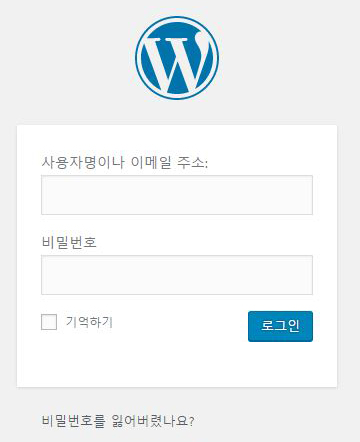
%ea%b4%80%eb%a6%ac%ec%9e%90_%eb%a1%9c%ea%b7%b8%ec%9d%b801
아이디와 비밀번호를 입력하시고 [로그인]을 클릭하시면 됩니다.

We value your privacy

We use cookies to make this website work and, with your permission, to understand how it is used and to measure our advertising. Necessary cookies are always on. Analytics and marketing cookies stay off unless you choose “Accept all” or switch them on under “Customize”. You can change your choice at any time from “Cookie settings” at the bottom of the page. Read our Privacy Policy.

Strictly necessaryNeeded for the site to work: security, your language choice and remembering your cookie settings. These cannot be switched off.
Always active